 Pawsumi
Draw a little shelter.
Draw one line of ink to keep Puff safe from bouncy bees, rolling pebbles and prickly brambles. Lift your finger, hold on for six seconds, and watch your line do its job.
Android · Plays offline · Family-friendly
How it plays
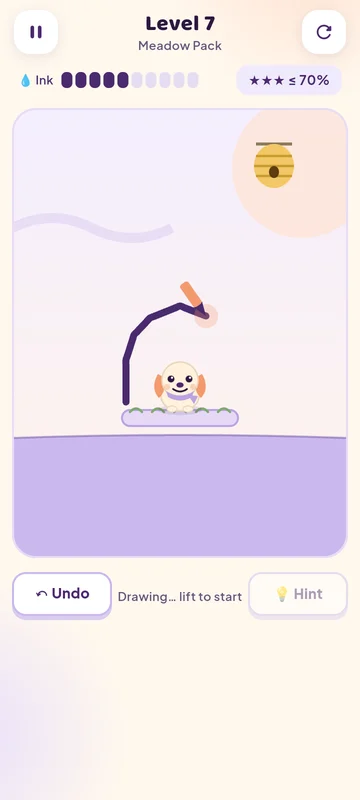
Draw one line
Trace a roof, a wall or a ramp with your finger. Every level has a little ink budget.
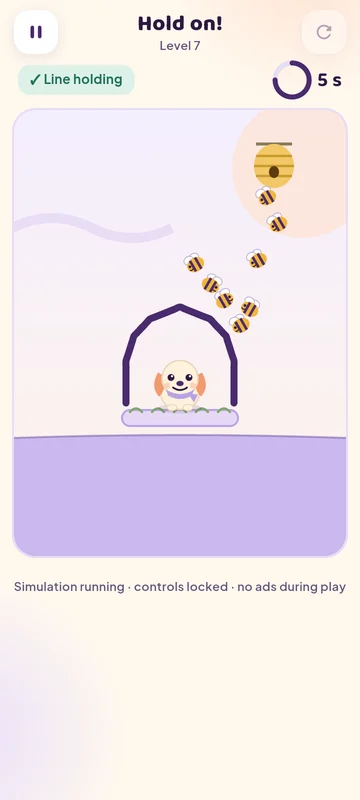
Lift and hold on
When you lift your finger the bees fly in. Your line has six seconds to hold.
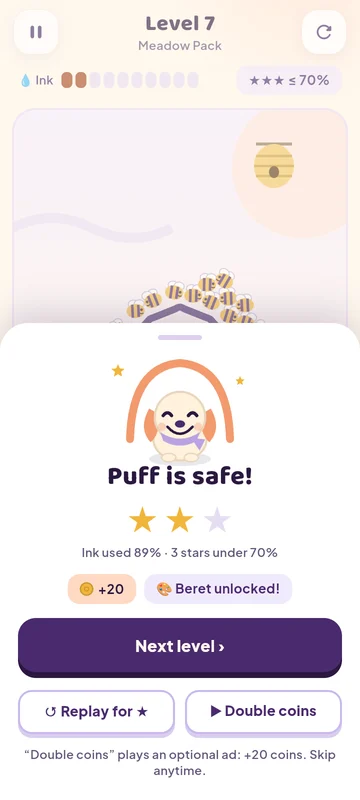
Puff is safe!
Use less ink for more stars. Retrying is always free and instant.
A soft storybook world
What's inside
60 hand-made levels
Four packs: Meadow, Pond, Bramble and Windy. Bees, pebbles and thorn bushes, each with a verified solution.
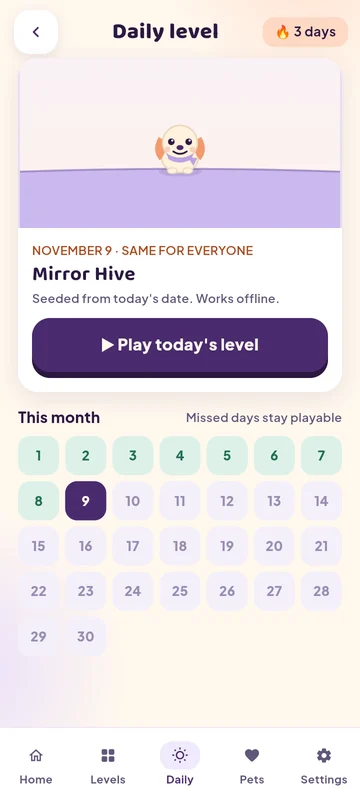
A daily level
The same puzzle for everyone each day. Missed days stay playable, and streaks never punish you.
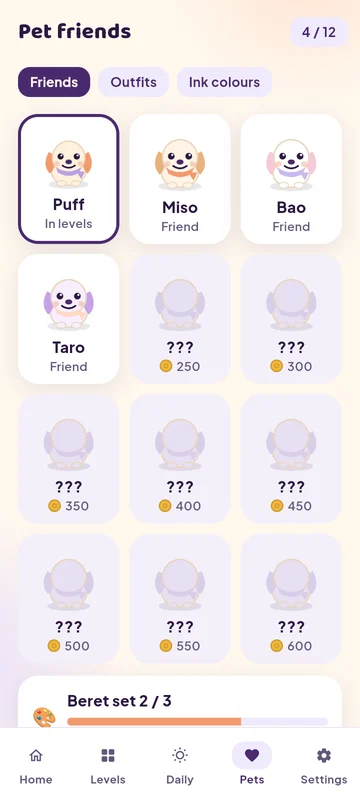
Pet friends
Meet Puff, Miso, Bao and friends. Outfits and ink colours are cosmetic only.
Less ink, more stars
Every level rewards a tidy line. Chase three stars or just enjoy the puzzle.
Gentle hints
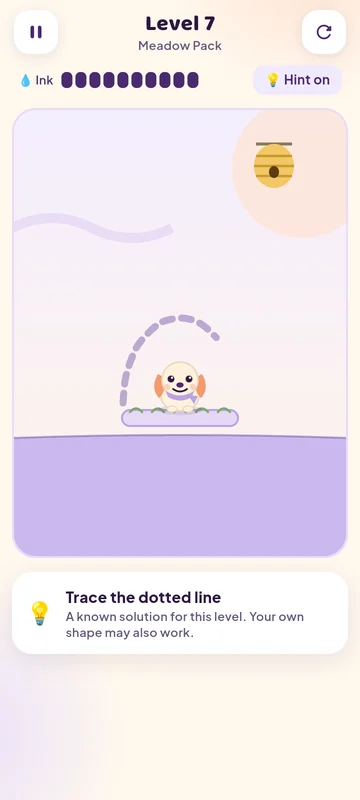
Stuck? A dotted line shows one known way through. Your own shape may work too.
Plays offline
Levels, the daily puzzle and your pets all work without a connection.
Fair, calm play
- No ads while you draw or while the line is holding.
- No ads after a failed attempt. Retry is always free.
- Reward ads are optional and say exactly what you get first.
- Between-level ads are capped and never in your first session.
- A one-time purchase removes banners and between-level ads in every mode.
- No accounts, no chat, no analytics. Your progress stays on your phone.
Questions
Is Pawsumi suitable for children?
Yes. Pawsumi is a gentle, non-violent puzzle with cartoon bees that simply bounce off your line. Players under 13 (or who do not share their age) only see non-personalised, family-rated ads.
Do I need an internet connection?
No. All levels and the daily puzzle work offline. Reward ads and purchases need a connection.
How do I remove ads?
Open Extras in the game and choose “Remove forced ads”. It removes banners and between-level ads everywhere; optional reward ads stay available if you want them. Prices are shown by Google Play.
I changed phones. How do I get my purchases back?
Open Settings → Restore purchases while signed in to the same Google account.